


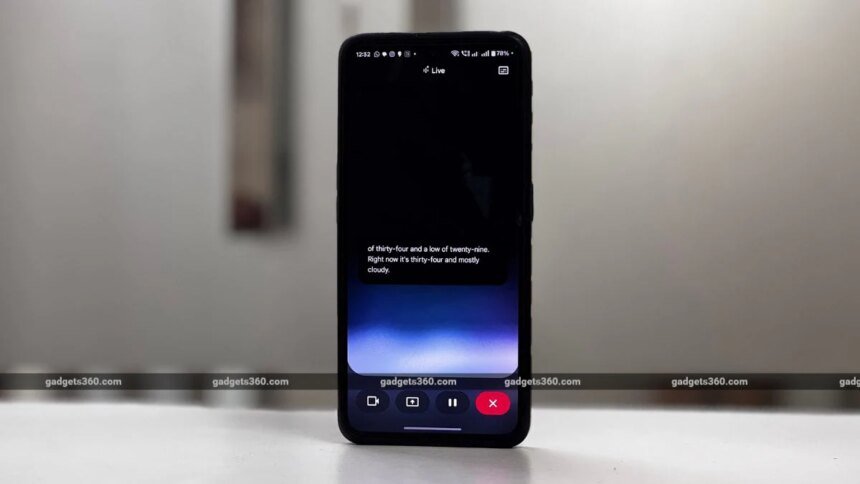

Google introduced Guided Vision FOR Gemini Live last yeaR. The feature uses a smartphone’s camera to analyse the surroundings of the user in real time to start conversations, and it lets users point thier camera at the issue and chat with Gemini to figure out a plan. Now, Google appears to be working on a new toggle to disable this feature. This option was reportedly discovered in an unreleased version of the Google App for Android. However, it is unclear what turning the option off will do.
Google May Soon Let Users Disable Gemini’s Guided Vision Feature
As spotted by Android Authority, the Google app for Android version 17.38.5.sa.arm64 has a new setting option for Gemini Live. It will reportedly get a new toggle for Guided Vision in Live, but it is not yet available to users.
The screenshots of the Gemini settings tab show the new toggle for Guided Vision in Live. It could allow users to enable or disable the feature. However, it remains unclear what turning the option off will actually do. It is likely to prevent Gemini Live from accessing the camera. Enabling the feature will let the Gemini Live use the phone’s camera to analyse objects in real time during conversations. We can expect more details about it in a future Google app update.
Gemini Live’s Visual Guidance was launched last year alongside the Pixel 10 series. This innovative feature, designed to simplify tasks, was then gradually expanded to other compatible Android and iOS smartphones. This feature, also known as Guided Vision, allows Google’s AI assistant to access a live camera feed or screen-sharing to give real-time visual cues. It allows users to point their camera toward an object and area and start conversations about it.
The Visual Guidance feature can be used to compare products and for style advice on outfits. Similarly, it can be used to select the right tool from the toolbox. This functionality also allows users to share their screen with Gemini and get recommendations on their work. It can also analyse blog posts, social media campaigns or a collection of photos and give suggestions to improve them. It also offers advice on profile pictures and captions.