
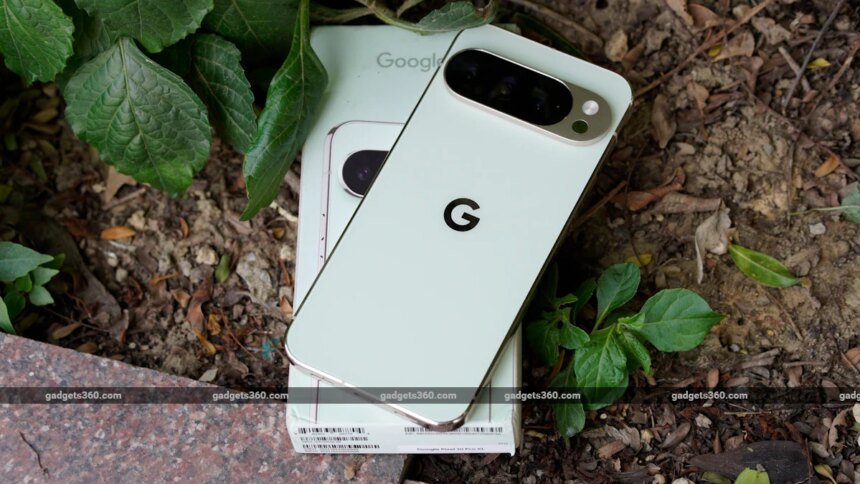
Google started rolling out the first stable version of the Android 17 update to eligible Google Pixel devices on Tuesday. The tech giant has also published the list of compatible Google Pixel devices that can run the latest OS version. Launched more than four years ago, the Google Pixel 6 series, which includes the Pixel 6, Pixel 6 Pro, and Pixel 6a, is eligible to receive the Android 17 update, along with the smartphones launched after the lineup, all the way up to the latest Google Pixel 10 series. Moreover, the update is also rolling out to the Google Pixel Tablet. Android 17 brings new features, like Bubbles, with special functionalities for devices with larger screens.
If you are wondering whether your Google Pixel device is eligible to receive the Android 17 update, we have prepared a list of the devices that are compatible to run the latest OS version.
Android 17 Is Compatible With 20 Google Pixel Devices
With the release of Android 17, the Mountain View-based tech giant has kept the list of eligible Google Pixel devices almost unchanged from last year’s Android 16 update, while adding support for the latest Google Pixel 10, Google Pixel 10 Pro, Google Pixel 10 Pro XL, and Google Pixel 10 Pro Fold, which were launched in India in August last year.
This means that even if you have a Google Pixel 6 series handset, you can download the latest Android 17 update on your device. For reference, the Google Pixel 6 was launched in select global markets, including India, more than four years ago, in October 2021.
Along with the smartphones, Google has also started rolling out the Android 17 update to the Google Pixel Tablet, which was unveiled more than three years ago, in May 2023. The new Android 17 update brings new features specially designed for devices with larger screens, like tablets and foldable phones.

For reference, the Android 17 update brings Bubbles, a new multitasking functionality that lets users turn any app into a “compact” floating window. Specifically for devices with larger displays, Bubbles are docked inside a dedicated ‘Bubble Bar’ in the bottom-right corner of the screen, allowing users to switch between Bubbles by clicking on the app icons in the dock.
Here’s the list of Google Pixel devices that are eligible to receive the Android 17 update.
How to Install Android 17 on Your Eligible Google Pixel Device
If you have one of the devices mentioned above, you can download and install the Android 17 update on your device.
- Unlock your Google Pixel device > Open the Settings app.
- Then, scroll down to the bottom of the Settings app.
- Now, tap on the System button.
- Then, click on the System Update button.
- If you do not see an available update, tap on the Check for updates button.
- Once the screen loads, you must now hit the Download and Install button.
Your Google Pixel device might restart a few times to complete the installation, after which you can enter your device PIN or password to use Android 17 on your Google Pixel phone or tablet.